50 Button Crafts: idea #1 – wire-wrapped pendant

button pendants from craftsy.com

Got a box or jar full of buttons carefully saved by your mother or grandmother? For 2015 I’m in search of great ways to put those buttons to use. Here is this week’s idea:

What a simple and beautiful way to use some of those unique buttons in your stash. Click on the photo about for a very clear and detailed tutorial on how to wire-wrap your buttons to make them into pendants. I’m going to put this on my project list for the near future.

If you are looking for more button crafts, check out my Pinterest board.

Year in Review & New Year’s Resolutions for Kids (and adults)

from thirtyhandmadedays.com

I came across this great printable today from Thirty Hand Made Days. It is a great way to record some of the basics about a child’s likes and life experience and hopes for the coming year. The real power comes from doing this year after year and Mique does an updated version each year. What a wonderful record of the growing and maturing that little snap shot will make. I also think this could be easily adapt to adults. In fact she has one! (see below). Click on the photos to get the free printable files

from hirtyhandmadedays.com

Photo Birthday Card Book – preview

http://www.blurb.com/bookstore/invited/3433695/c77ddde0316fcb349137450e283d58af698f4887?ce=blurb_ew&utm_source=widget

I got the book done from my mom’s 90th birthday party today and uploaded it to blurb to order. After seeing the preview I might make a few tweaks before ordering. It came together pretty quickly. My biggest mistake was in not deciding what order to put the photos in before I started dropping them into the template. It took me a while to clean up the mess I made and start over. So I learned once again, that a little planning goes a long way.

It is kind of fun to take a project from idea to ready to print in just over a week. Not every project needs to be years or even months in process. Do you have a smaller project just waiting to become a reality? I challenge you to get started on it and see how quickly it really can come together.

Photo Birthday Card Book – template

lighting mom's 90th birthday cake

lighting the birthday cake

Remember last week’s book of the week, “face BOOK“? Well it inspired me to take photos at my mom’s 90th birthday with the plan to put together a birthday card in the form of a book very much like “face Book”. I set up a spot at the party to take photos of all the guests. I brought a notebook for the guest to write a short message with a marker. I’ve set up a template for the book and now I just need to drop the photos in place. It is going to be a wonderful memento of my mom’s 90th birthday party.

If you would like the InDesign template for a 7×7 blurb book you can download it from my dropbox for personal use. These are fully editable templates from InDesign CS6. You can change the colors and text as you would like.

Celebrating Nine Decades Pages Template

Celebrating Nine Decades Cover Template

I’ll post a preview of the finished book soon.

90th Birthday Slide Show – complete

Yeah! I got the slide show done for my mom’s 90th birthday. I would have like to have played around with ProShow more but I did learn a bit more with this project. We had it playing in a loop during her party. Thank goodness that the music didn’t end up being too obnoxious. It helped that it was an instrumental without any lyrics. I hadn’t thought that through before hand, but I think I’ll do that again in a similar situation.

The slide show is about 10 minutes long.

By the way she loved the Mary Taylor book “My Grandma Mary”. We have a few tweaks to do before it will be available for general distribution.


Celebrating Nine Decades

90th birthday invitation for my mom

My family is preparing for my mom’s 90th birthday this month, so I thought I’d share the invitation I made for the event. It looks a little funny because I’ve blacked out some of the personal information. (Too bad we have to worry about those kinds of things.) I was really happy with how it came out and the format and concept could be easily adjusted for someone else so I thought I’d share it here. By choosing one photo from each decade of her life it gave a nice progression and made it so much easier to decide which pictures to include on her invitation.

Below are links to my Dropbox and two InDesign templates that you can edit for your personal use. (Please don’t use them for commercial projects without my written permission.) The first file is the invitation placed in the center of an 8.5 x 11 page with crop lines. By cutting along these lines and folding on the edge of the invitation it creates its own envelope for mailing. I printed them on a heavy weight brochure paper.

The second file is for stickers using the “Celebrating Nine Decades” logo. By printing this file on a sheet of sticker paper and cutting out the stickers, you then have an easy and elegant way to close up the envelope. After cutting out the stickers, I used a corner rounder on the corners. This was a nice finishing touch to the project.

90th Invite with Envelope

Nine Decades stickers

To download the InDesign Templates click on the link, then right click on the strange document that loads up and click “save page as”.

Stand in Holy Places – Paper & Cupcake Wrapper

Stand ye In Holy Places – all over paper

A few weeks ago I did a post about the bookmarks I made to coordinate with my 2013 calendar. I had a request to make a cupcake wrapper from the bookmark so I took the bookmark image and duplicated it to create an all over design. Next I found a basic cupcake wrapper template shape and used that to mask so that just the cupcake wrapper shape showed the “Stand Ye in Holy Places” design.

Stand Ye in Holy Places – cupcake wrappers

The cupcake wrappers are being used as part of a birthday gift for the young women at church. To go along with the Stand in Holy places theme for the year, each young woman is getting a fuzzy pair of socks coiled up in the cupcake wrapper to look like a cupcake. I had a photo of the finished project but I seem to have deleted it. If I get another photo I’ll add it here. You are welcome to use either of these images for any non-commercial project.

Mother’s Day Project

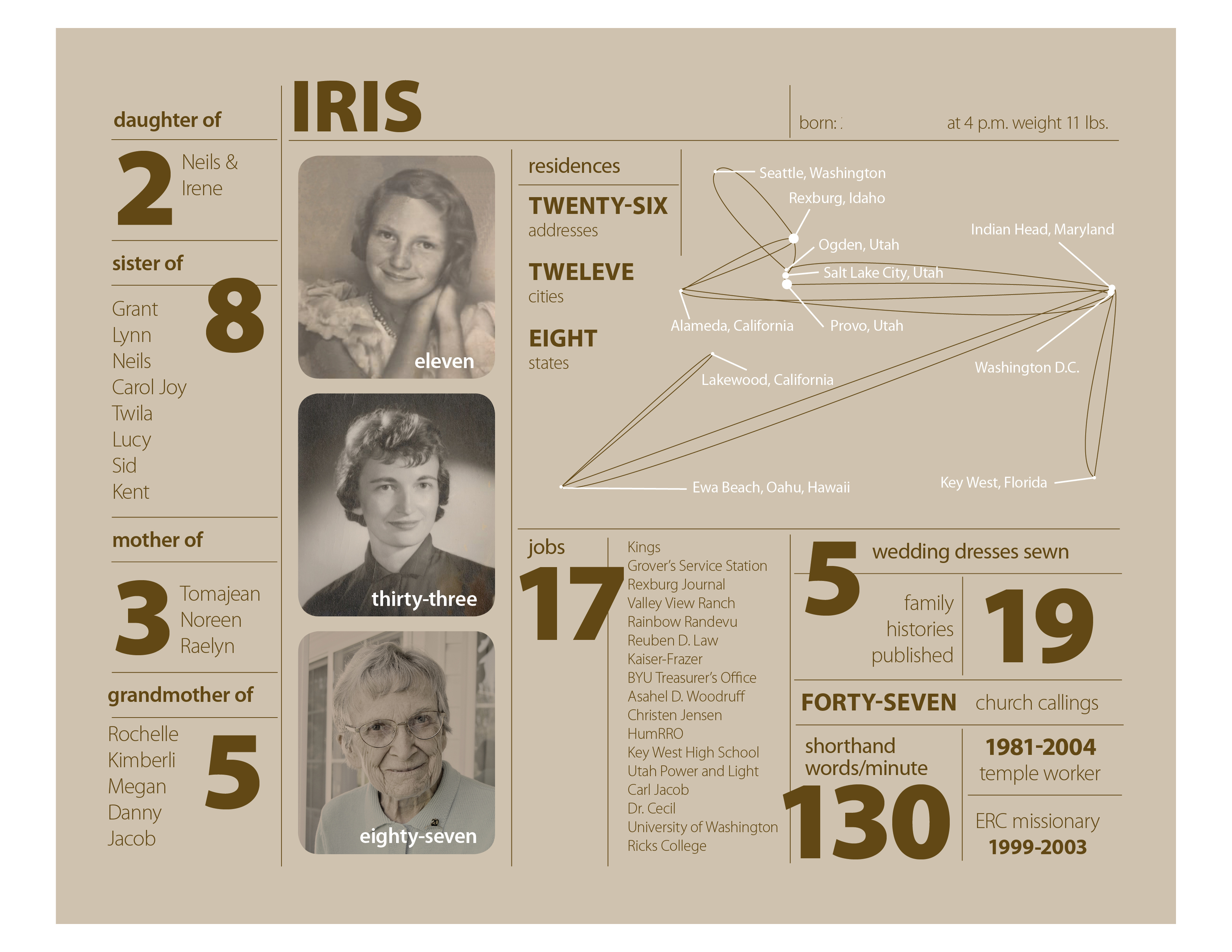
Mother’s Day Project for Iris

This is my version of an infographics inspire by Nicholas Felton‘s 2010 Annual Report. I’ve never done anything like this, so it was a learning experience and I enjoyed it. There are so many facts about a person’s life and this is a fairly simple one page project. I will print it out 8″ x 10″ and put it in a simple frame.

Iris – layer 1 – background

I did my layout in InDesign with five layers. The bottom layer just has the background.After I put in the background color in an 8 x 10 box, I locked the layer so I wouldn’t accidentally select it. The background color is a 25% tint of the main text color. This way when I go to make another version for Bill’s mom I can change the text color swatch and the background will change too.
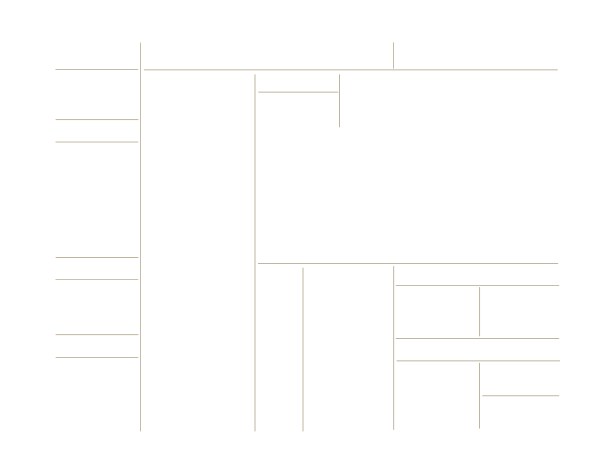
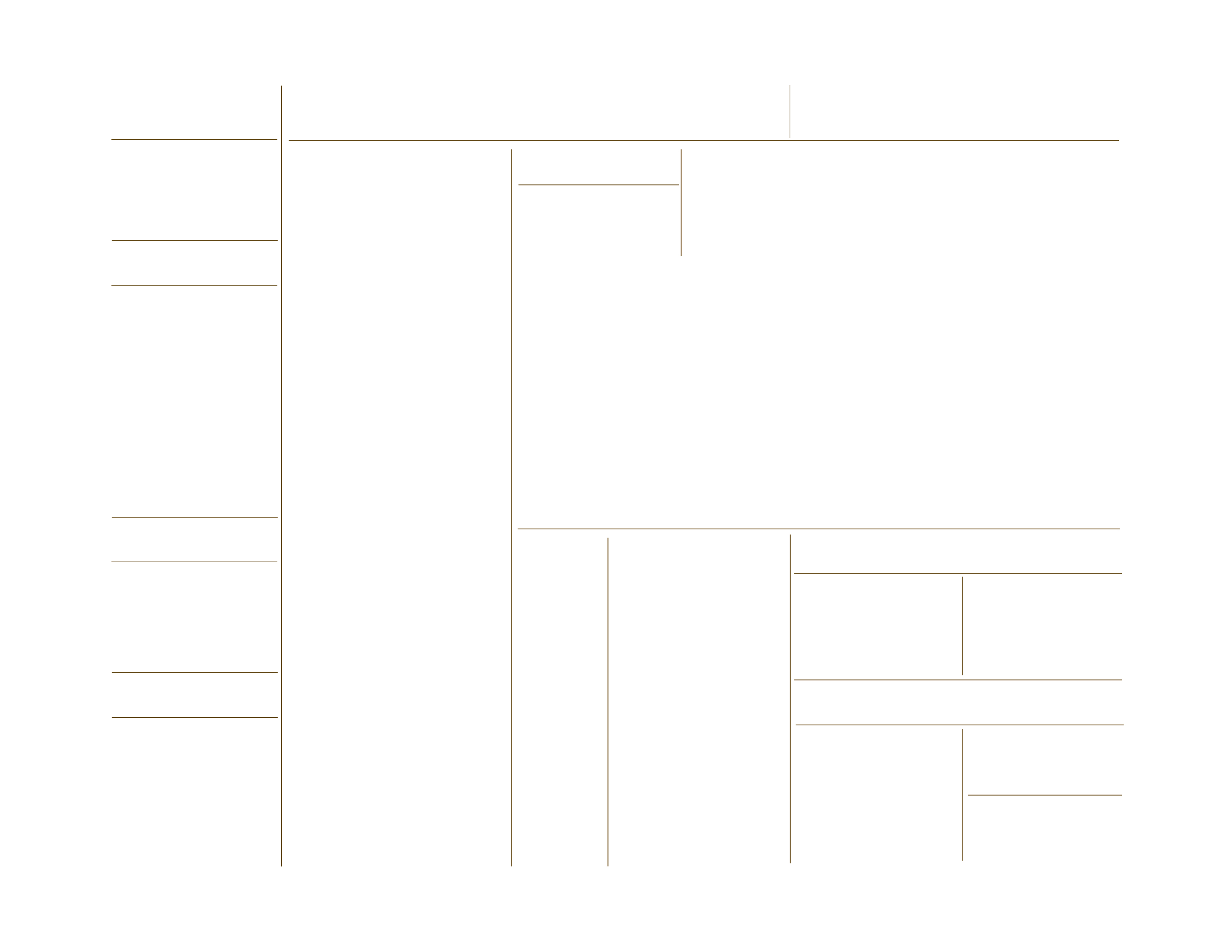
Iris – layer 2 – lines

The second layer is just the lines. The default 1 pt stroke was too strong so they are .5 pt strokes. In case you don’t know, if you hold down the shift-key when you drag out a line with the line tool it will be perfectly horizontal or vertical.
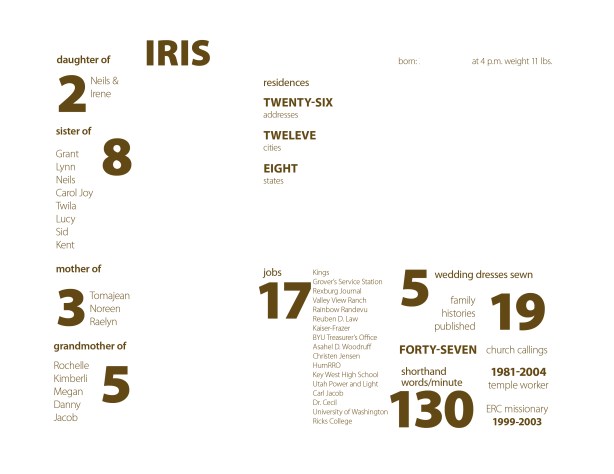
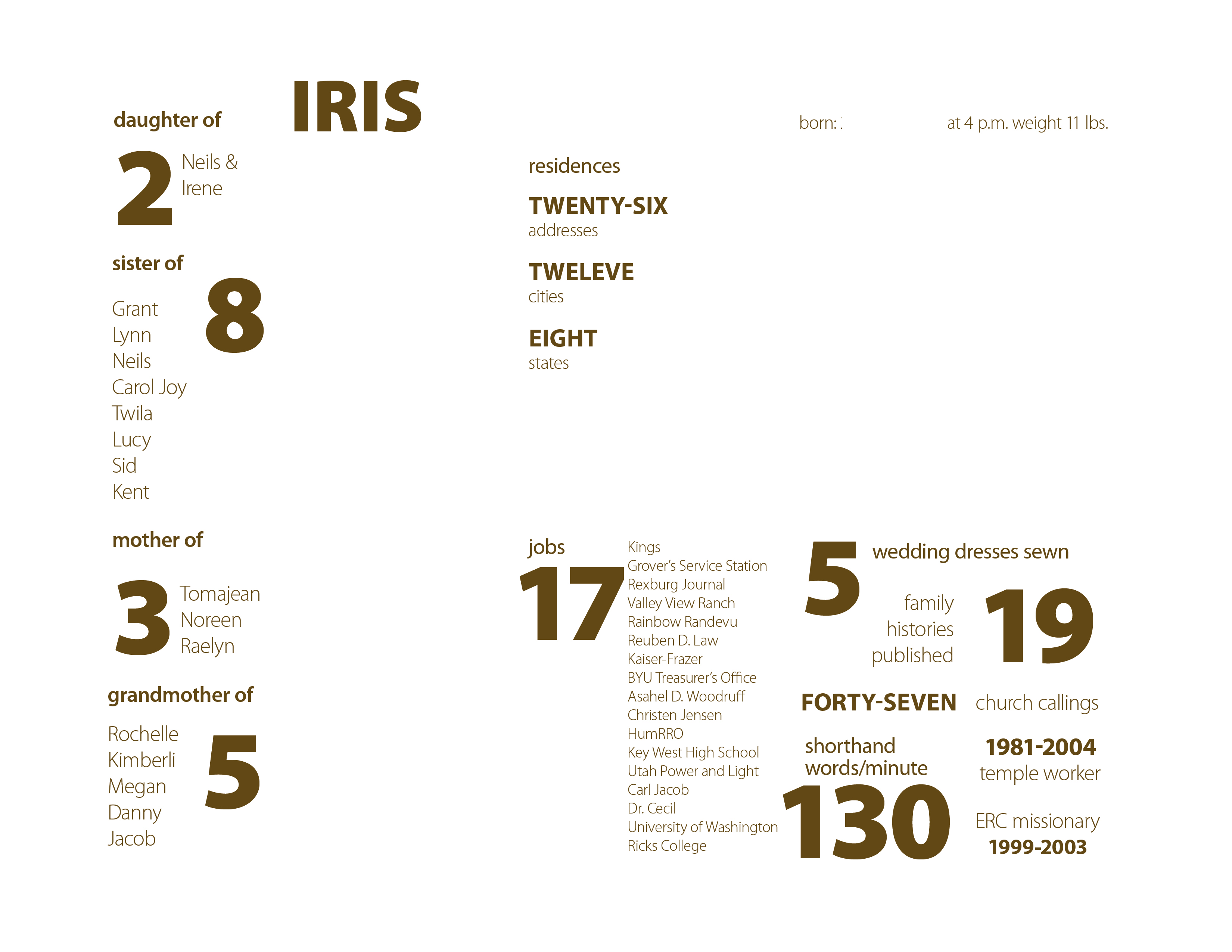
Iris – layer 3 – text

The third layer is for most of the text. I used Myriad Pro in weights from light to black. I really like it when font families have such a contrast in weights.

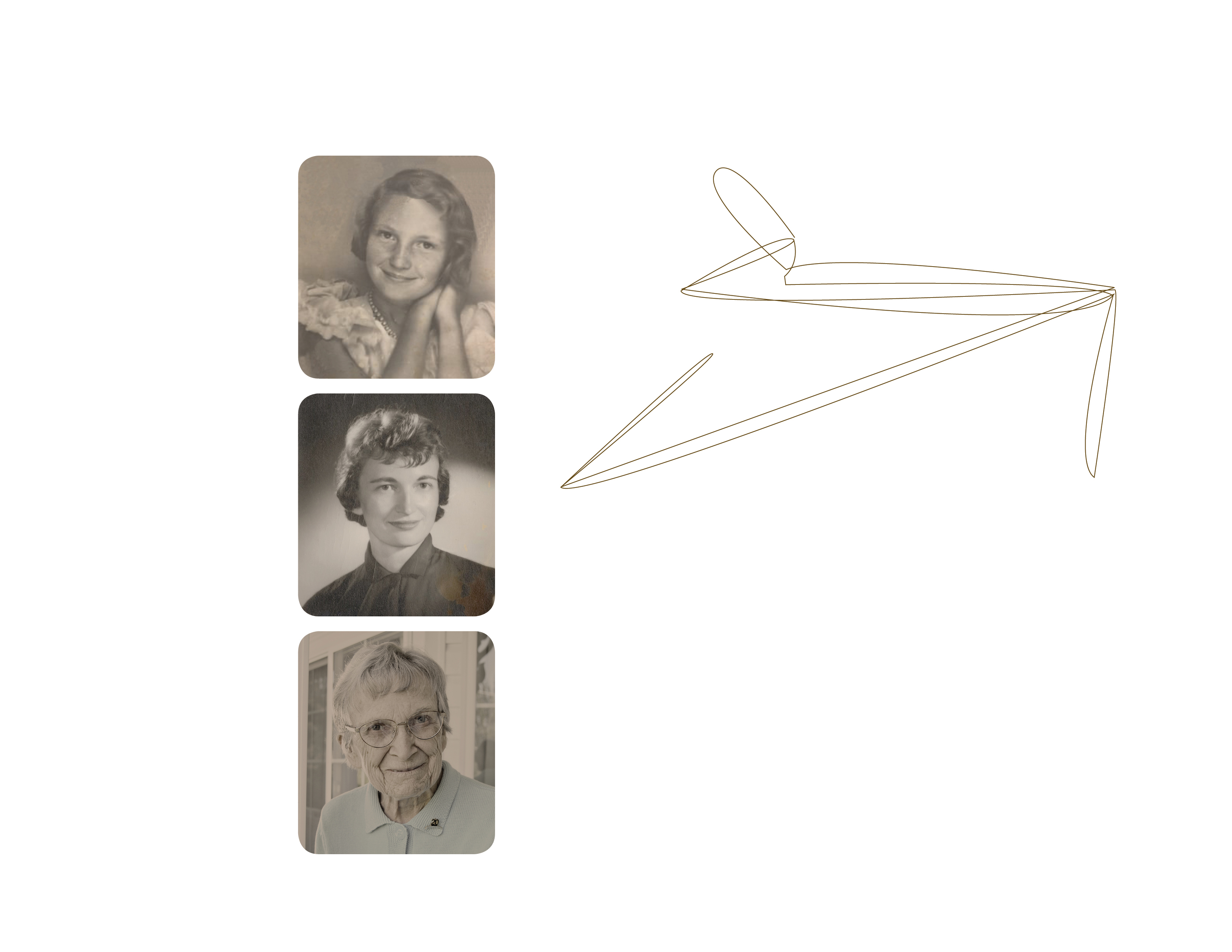
Iris – layer 4 – photos etc.

The fourth layer is for the photos. After I picked the three photos I wanted to use I edited them in Photoshop using color matching to give them all an old sepia tone look. This layer also includes the brown lines on the residences “chart”. I drew these lines in InDesign with the pen tool. I started with a map of the United States and used that as a guide for drawing lines from Rexburg, where she was born, to each city she lived in. Then I deleted the map leaving the lines.
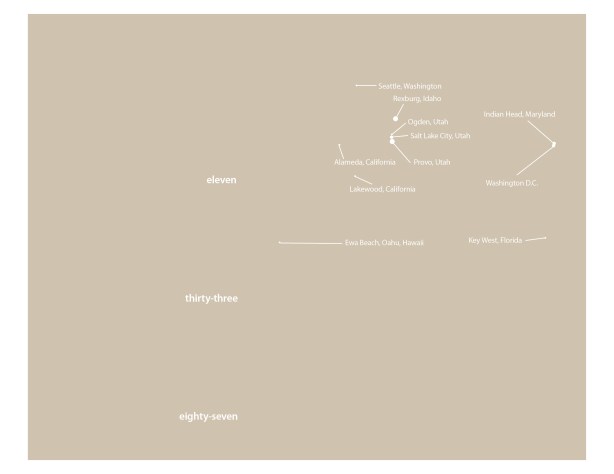
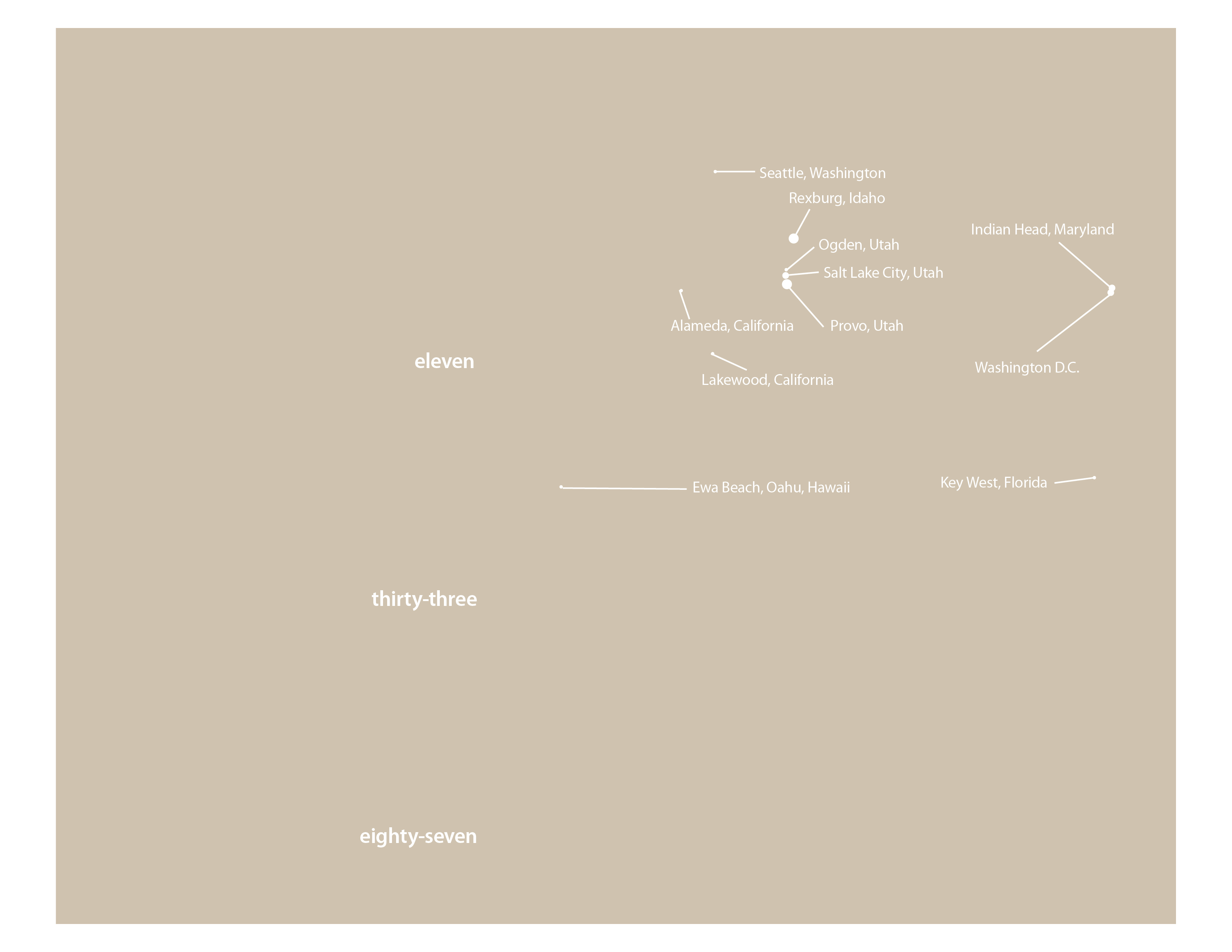
Iris – layer 5 – white text & lines (shown with layer 1)

The fifth layer is for all the white text and lines. I added white dots of various sizes for each city. Bigger dots for the cities with the most address. You see it here with the background layer so you can tell what is there.

I added a sixth layer to block out some of the more specific information on my mom for posting on this blog. No reason to risk identity theft. By putting it on a separate layer I can turn the blocked out areas on or off as needed for output.

I have learned over the last few years that it is very helpful to think through a project and create layers for different elements. It prevents lots of problems when it comes to editing and rearranging your design. For example with the residence chart, I can lock all the layers but the two involved in the chart and re-size or move it with accidentally selecting the text or other lines nearby.

If you would like an InDesign template of this project send me an email to raelyn@tellingfamilytales.com